StageShift
Your own sound. The acoustics of other rooms.
Play, sing or speak live and hear the response of another room directly through headphones, fully local on Android, iPhone and iPad.
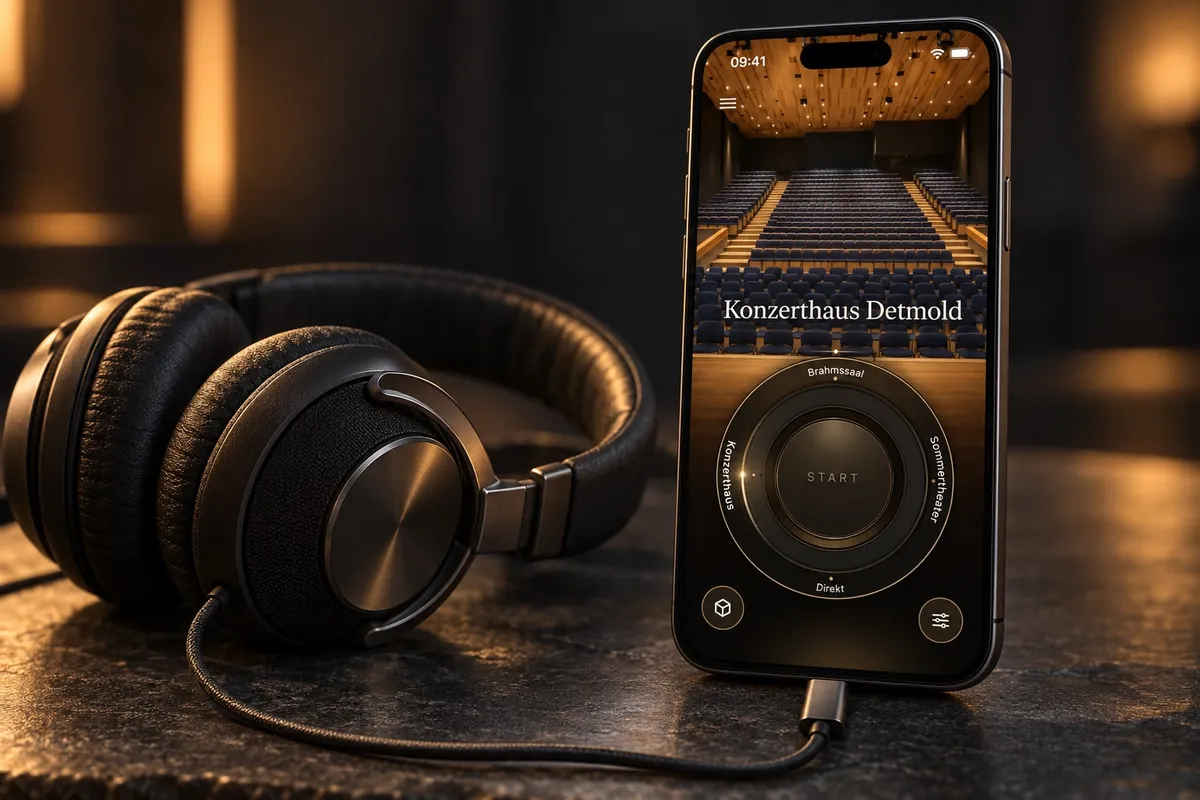
A room answers. You play.
A voice, an instrument, a single note: every room answers differently. StageShift adds the measured acoustic response of a room to the live microphone signal. While playing, you discover how a studio, a concert hall or a cathedral shapes your sound. The room reacts to what you are doing right now.
In four steps
Connect headphones
Wired or via a suitable USB audio output.
Choose a room
Open a set and tap or turn the dial to a room. You can switch while playing.
Press Start
Allow microphone access, then processing begins.
Shape the sound
Play, sing or speak and set the amount of room to taste. “Direct” lets you compare without any room.
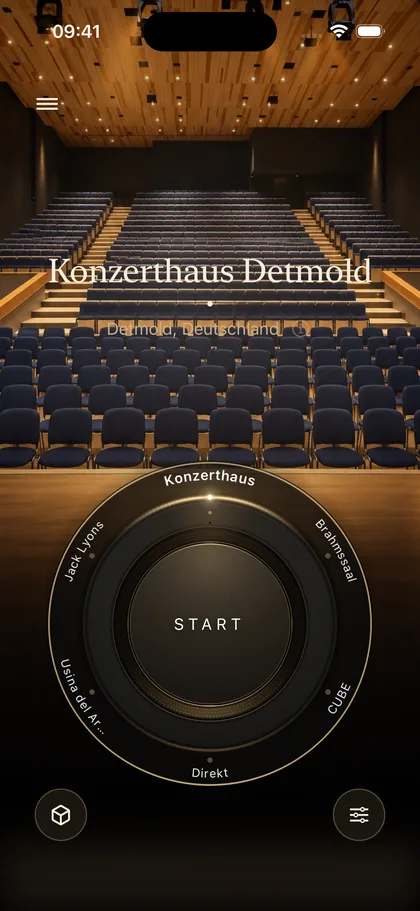
The interface is available in German and English, with larger text and the accessibility features of Android and iOS.
A collection of acoustic places
Themed sets make the rooms easy to find, from studio to concert hall. The beta offers 20 rooms plus “Direct”: eleven measured venues and nine general rooms such as practice room, studio and concert hall.
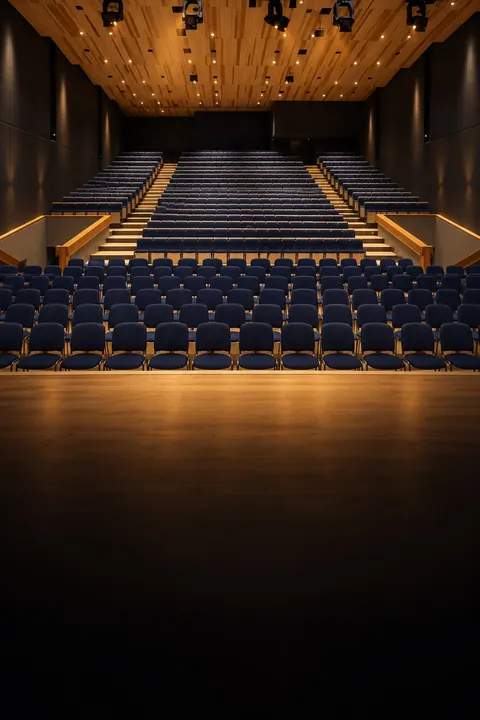

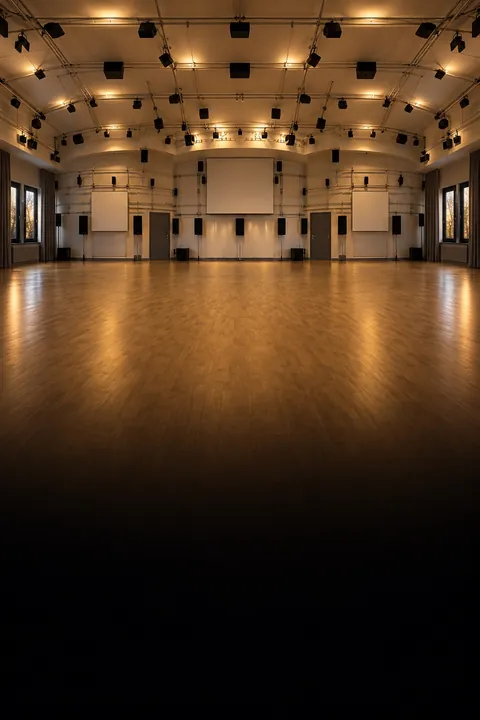
Artistic, AI-generated room images from the app.
| Austria | IEM CUBE · IEM Production Studio |
|---|---|
| Germany | Konzerthaus Detmold · Brahmssaal Detmold · Detmolder Sommertheater |
| Special places | York Minster · Maeshowe · Elveden Hall, Marble Hall · R1 Reactor Hall, Stockholm |
| Concert halls | Usina del Arte · Sir Jack Lyons Concert Hall · Konzerthaus Detmold · Brahmssaal Detmold · IEM CUBE |
| General | Nine rooms with general names, including practice room, studio and concert hall |
Matched to your headphones
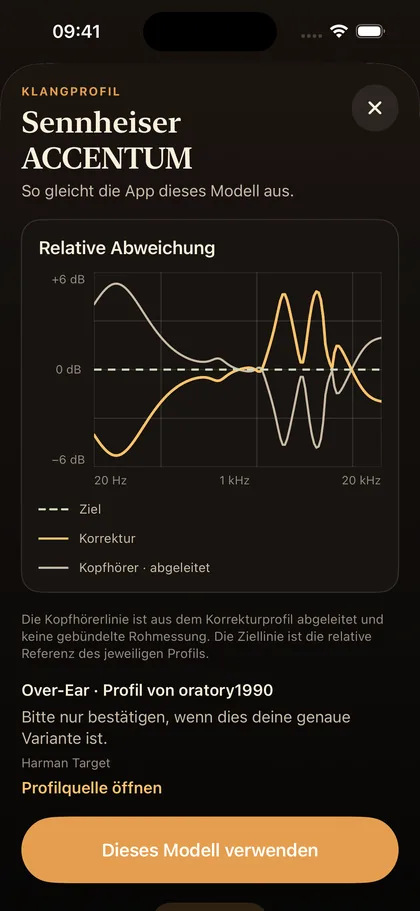
Headphones colour the sound. An optional correction compensates for the frequency response of your model. The catalogue with 6,224 entries is stored entirely on the device, with search by brand and model, filters by type and recently used models. A graph shows the target curve and the correction. You can switch the correction on and off at any time.
Equipment
| Level | Microphone | Headphones | Good for |
|---|---|---|---|
| Getting started | built-in microphone | wired | a first reverb experience |
| Better | wired headset or simple microphone | wired | everyday practice |
| Professional | studio microphone on a USB audio interface | very open, on the interface | teaching, research, precise comparisons |
Bluetooth headphones add an audible delay, and the app tells you so. Open headphones let the natural sound of the instrument through while StageShift adds the room. Reverberation and noise where you record are processed too; a microphone close to the instrument in a fairly dry room gives the clearest result.
What for
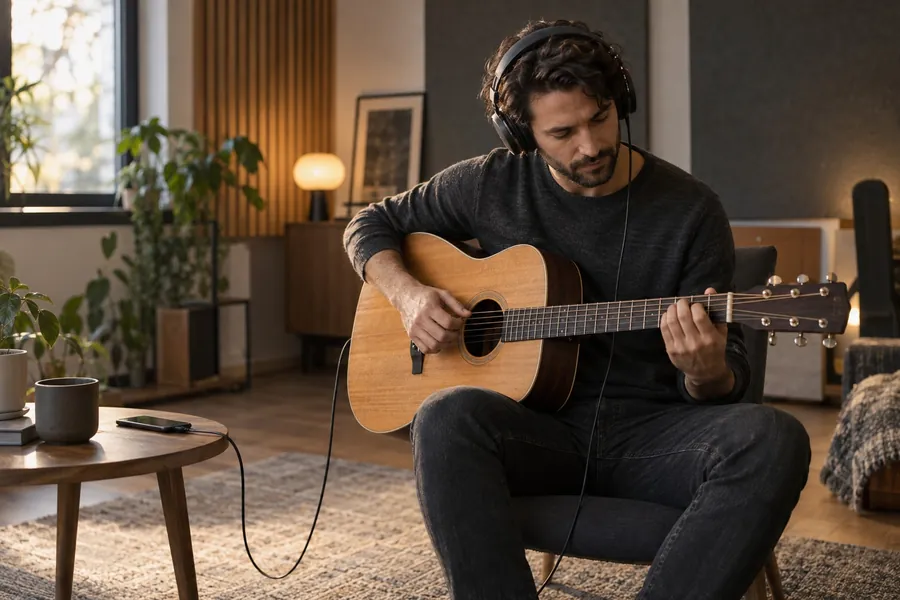
Playing and practising
Hear your voice or instrument in different rooms and try out musical ideas.
Teaching
Demonstrate room acoustics with the same live sound and compare directly.
With the VR tour
At home StageShift takes on the role the Augmented Practice Room has in the lab: you see the hall in the VRET tour and hear yourself in it.
Experiments
Explore and edit your own measurements on the go, see Technology.
Your sound stays on your device
The microphone signal is never recorded, stored or uploaded. No account, no ads, no tracking, no cloud. Room data and headphone profiles are already on the device, and the app works offline.
Status
The iOS beta has been submitted to TestFlight; a first version will appear soon in the App Store and on Google Play. Completion is planned for summer 2027. The app will remain free.
Concept and co-development: Matthias Bertsch · Software development: Felix Klooss · mdw project page